
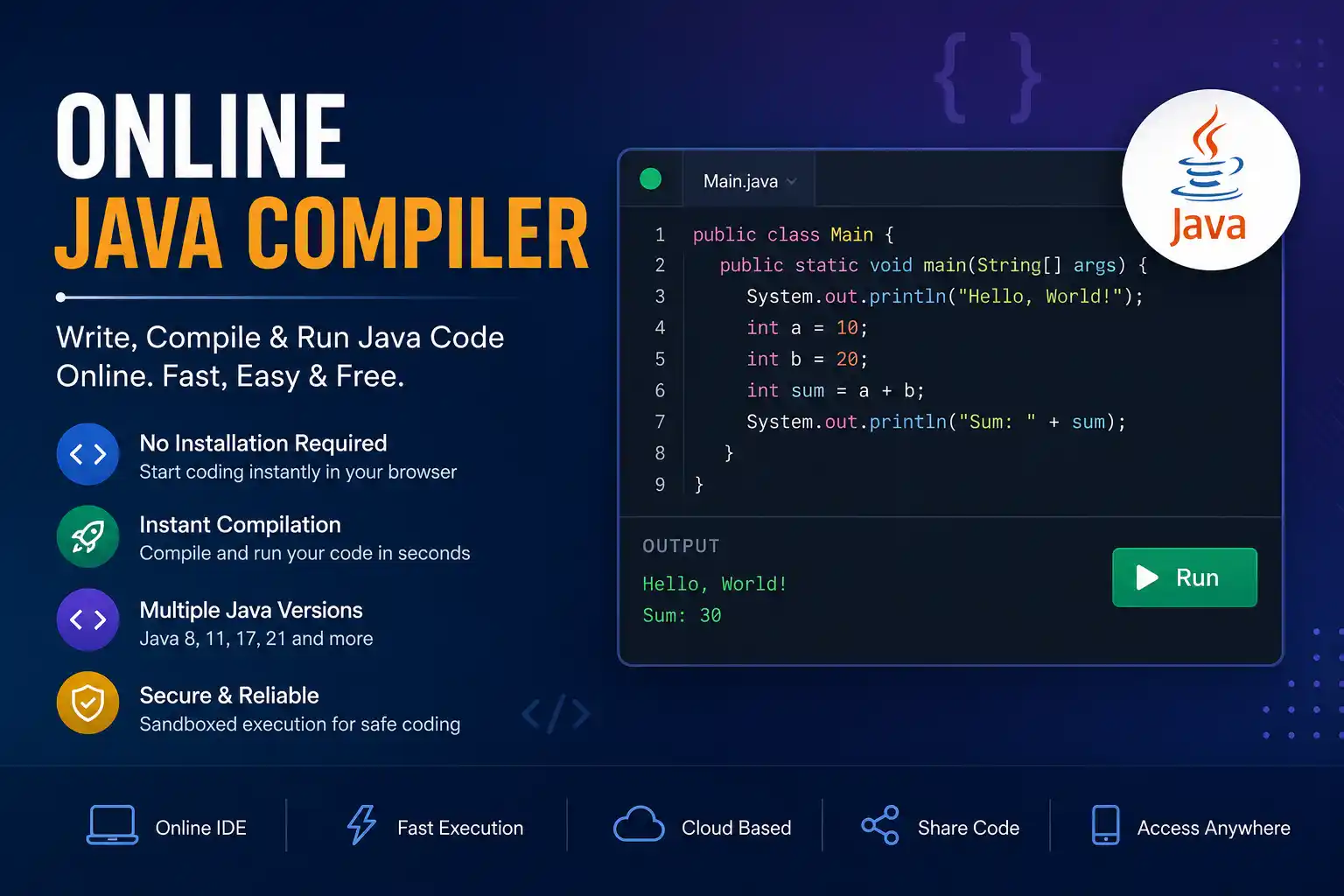
Online Java Compiler: Compile and Run Java Code Online for Free
An online Java compiler lets you write, compile, and run Java programs directly in your web browser without downloading or installing any software. Whether you’re a beginner learning Java, a student completing assignments, or a professional testing code snippets, an online compiler provides a fast, convenient, and accessible coding environment.
Instead of setting up the Java Development Kit (JDK), configuring environment variables, and installing an Integrated Development Environment (IDE), you can start coding within seconds. Simply open the compiler, type your Java program, click the Run button, and instantly view the output.
Modern online Java compilers support multiple Java versions, syntax highlighting, automatic indentation, error detection, debugging tools, file management, and project sharing. Many platforms also provide collaborative coding features, making them suitable for classrooms, coding interviews, and team projects.
If you need a quick way to test Java code from any device, an online Java compiler is one of the most efficient solutions available.
What Is an Online Java Compiler?
An online Java compiler is a cloud-based development tool that converts Java source code into Java bytecode and executes it using a Java Virtual Machine (JVM). Unlike desktop IDEs, all compilation and execution happen on remote servers, allowing users to code from virtually any internet-connected device.
These tools are especially useful because they eliminate the need for software installation while still offering many of the features found in desktop development environments.
Most online Java compilers support:
- Java code editor
- Syntax highlighting
- Automatic code formatting
- Instant compilation
- Error reporting
- Program execution
- Console output
- Multiple Java versions
- Code sharing
- File uploads and downloads
This makes them ideal for both beginners and experienced developers.
Why Use an Online Java Compiler?
An online compiler offers several advantages over traditional desktop software. It saves time, reduces setup complexity, and enables coding from almost anywhere.
Here are some of the biggest benefits.
No Installation Required
Traditional Java development requires installing the Java Development Kit (JDK) and configuring system variables. With an online compiler, you simply open your browser and begin coding immediately.
Works on Any Device
Whether you’re using Windows, macOS, Linux, ChromeOS, or even a tablet, you can access an online Java compiler without compatibility issues.
Instant Code Execution
Compile and run Java programs within seconds. This speeds up testing, debugging, and learning.
Beginner-Friendly
Students who are learning Java often struggle with installation errors. An online compiler removes these barriers and allows them to focus on programming concepts.
Great for Interviews
Many technical interviews include coding exercises. Online compilers provide a clean environment for solving programming problems without unnecessary distractions.
Easy Code Sharing
Most online Java editors generate shareable links that allow others to review, edit, or execute your code instantly.
Key Features of an Online Java Compiler
A high-quality online Java compiler should provide more than basic code execution. Below are the features users expect from a modern coding platform.
Syntax Highlighting
Different colors for keywords, variables, methods, and comments improve readability and reduce coding mistakes.
Automatic Indentation
Proper code formatting helps developers write clean and maintainable programs.
Multiple Java Versions
The best compilers support:
- Java 8
- Java 11
- Java 17
- Java 21
This allows developers to test applications using different language versions.
Fast Compilation
Cloud-based infrastructure enables programs to compile within seconds.
Runtime Error Detection
Errors such as exceptions, invalid syntax, and logical mistakes are displayed clearly to help developers debug efficiently.
Console Output
Users can view program output directly inside the browser without opening additional windows.
File Support
Many platforms allow users to upload existing Java files or download completed projects.
Project Management
Advanced online IDEs support multiple Java classes, packages, and project folders.
Secure Execution
Programs execute inside isolated environments (sandboxed containers), preventing malicious code from affecting the host system.
How Does an Online Java Compiler Work?
Although the process appears simple, several steps occur behind the scenes whenever you run a Java program online.
- You write Java source code inside the browser editor.
- The code is securely sent to a remote server.
- The server compiles the source code using the selected Java Development Kit (JDK).
- If compilation succeeds, the Java Virtual Machine executes the generated bytecode.
- The server returns the program output to your browser.
- If errors occur, detailed compiler messages help identify the problem.
This entire process typically takes only a few seconds.
How to Compile and Run Java Code Online
Follow these simple steps.
Step 1
Open the online Java compiler.
Step 2
Write or paste your Java code into the editor.
Step 3
Select the Java version if multiple versions are available.
Step 4
Click the Run or Compile button.
Step 5
Wait a few seconds while the server compiles your code.
Step 6
View the output in the console window.
If errors appear, modify the code and run it again until it executes successfully.
Your First Java Program
The following example prints “Hello, World!” to the console.
public class Main {
    public static void main(String[] args) {
        System.out.println("Hello, World!");
    }
}
Output
Hello, World!
This simple program demonstrates the basic structure of a Java application and is often the first example used by beginners.
Groovy Language
Groovy Language is a powerful programming language that runs on the Java Virtual Machine (JVM). It is easy to learn, especially for students who already know some Java basics. Groovy uses simple and flexible syntax, so you can write programs with less code. It is commonly used for scripting, automation, testing, and building applications. One of its biggest advantages is that Groovy works smoothly with existing Java libraries and code. Students can start with basic variables, loops, methods, and classes before moving to advanced topics. If you are learning programming, the Groovy language is a useful language to explore because it combines Java’s capabilities with a simpler coding style.